CNC and cutting outputs
Reports, cutting files, lists and labels for CNC machines and manual cutting, per sheet or per bar.
In PLTNest 1.1.0. Included in the 7-day free trial and all Paid plans.
What it does
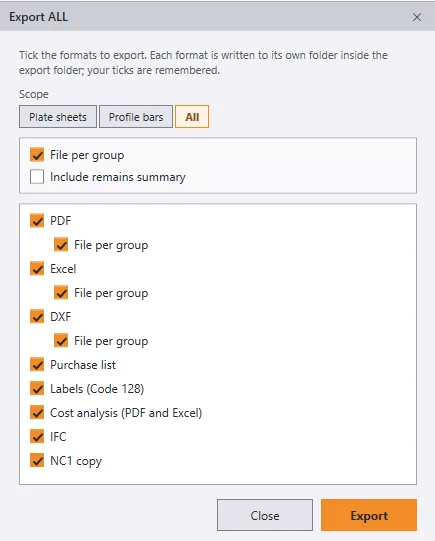
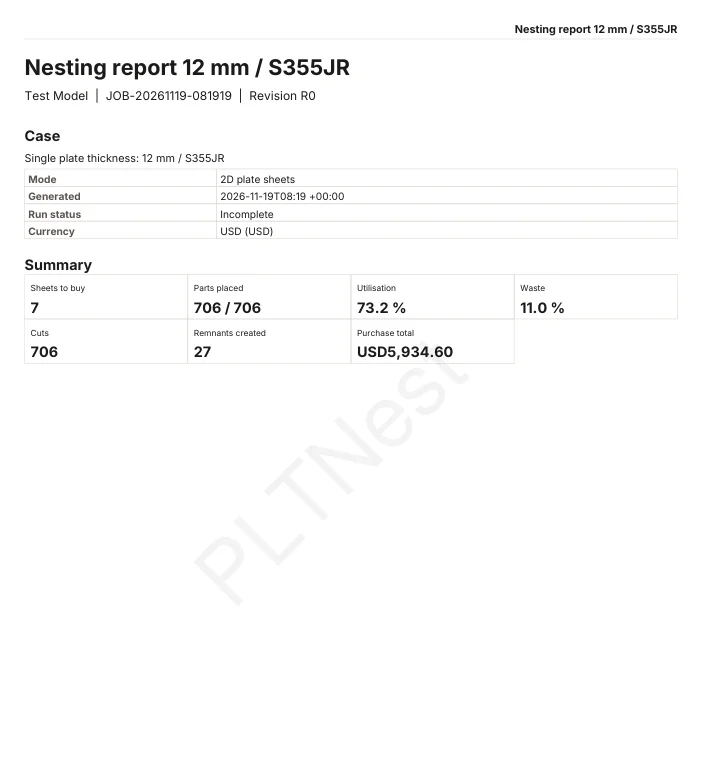
- PDF report with nest drawings, the purchase list and the cut list.
- Excel workbook, with true shapes and bend lines drawn in the nest sheets.
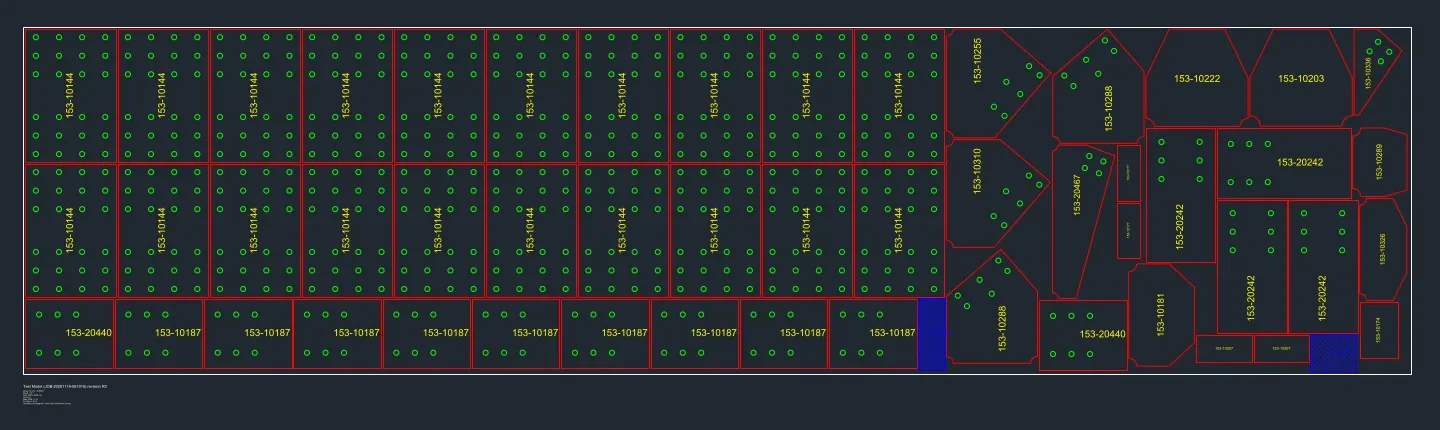
- DXF per sheet or per bar, with layers, and DXF stock for cutting.
- CSV cut list, purchase list and remains, label sheets with shrink-to-fit text, and a cost analysis (PDF and Excel).
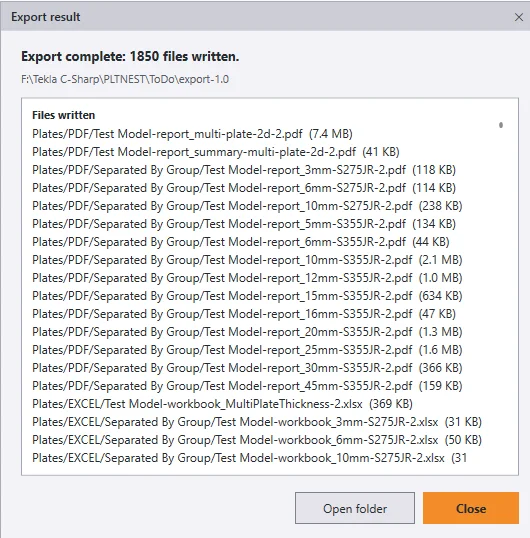
- Save a finished nest as a .pltnest file and open it later to get the 3D view, Analytics, purchase list and export back. Export writes files in parallel.
- Direct NC1 and IFC export from Tekla into dedicated Plates and Profiles subfolders, with an export destination folder prompt.
Limits
- NC1 is written as one file per part (the NC1 copy). PLTNest does not write a combined NC1 file per bar.
- All export formats are unlocked during the 7-day free trial and with any paid license.
- Check cutting files on your own machine before production use: always check them first.
Screenshots